How to design a quilt on iPad
Graph paper and colored pencils work, but changing your mind means starting over. On a tablet, you can try ten colorways in the time it takes to draw one.
1. Choose a size and a layout
Start from the use: a baby quilt, a lap quilt for the sofa, a bed quilt. Then choose the layout: blocks side by side, separated by sashing strips, or set on point, with one or more borders.
2. Place the blocks
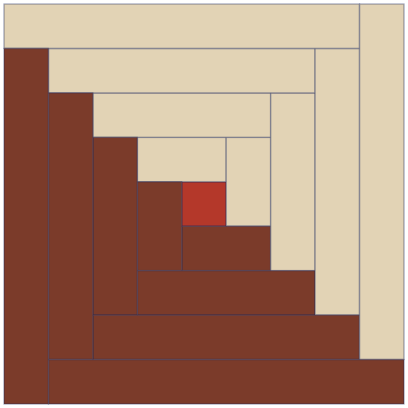
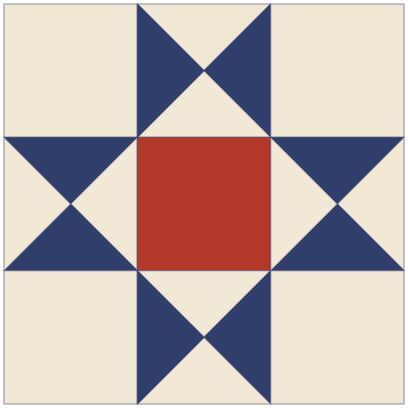
Traditional blocks are a safe start: a Log Cabin, an Ohio Star, a Pinwheel. Rotating the same block changes the whole design, especially with blocks split between light and dark.
3. Audition your fabrics
Photograph your fabrics flat, in good light, from above. Quiltkit crops each photo, corrects the light and scales the print, so a large floral looks large and a small dot looks small.
Look at value (light, medium, dark) before color: contrast is what makes a block readable from a distance.
4. Check the yardage
Once the design is set, the yardage and the cutting plan tell you what to buy or what to pull from your stash, fabric by fabric.
5. Print what you need
Print the full pattern, only the yardage and cutting list, or only the 1:1 templates. Everything is laid out on A4 paper.